Why Pro AV & IT Integrators Need More Than Screens to Stay Relevant
Grenoble - March 31, 2026
TL;DR:
Screens are now a commodity—integrators win by delivering a repeatable collaboration experience, not better specs.
Most underused IFPDs fail on adoption, not hardware—fix the workflow and onboarding.
Hybrid meetings demand capture, shareability, and continuity as the default outcome of every session.
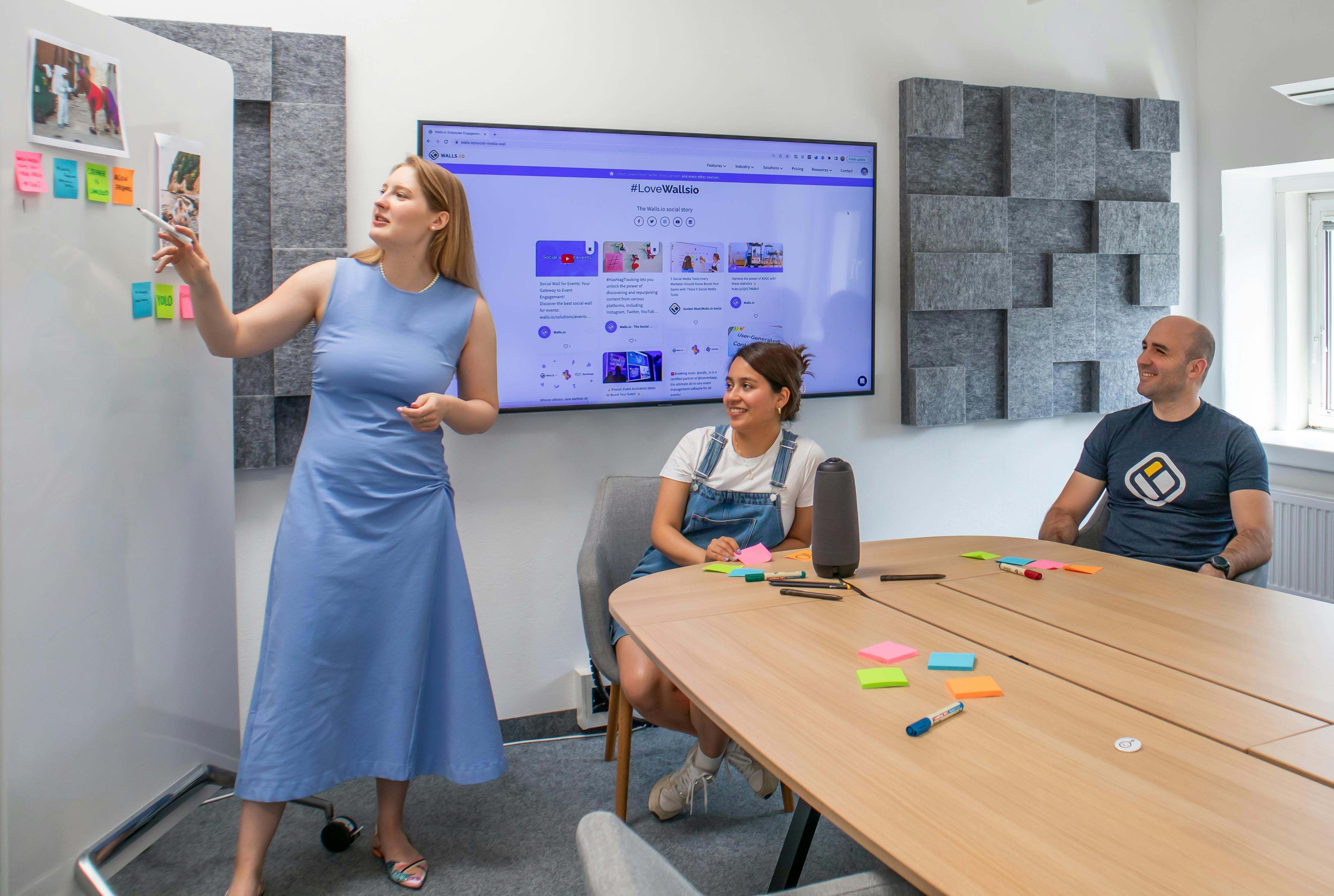
Marker-based and “analog-first” interactivity can outperform touch for approachability and participation.
Packaging workflow-first add-ons and lifecycle services protects margin and keeps deployments future-ready.
Screens alone no longer define modern collaboration outcomes. Buyers now expect frictionless, inclusive interaction that works across hybrid spaces and tools. Pro AV integrators and IT integrators need to reduce adoption barriers while expanding value beyond display specs. Below are five angles to stay relevant without getting dragged into a hardware-only race.
The “Display-Only” Trap: Why AV Hardware Specs Don’t Differentiate Anymore
Why display specs (4K/8K) no longer win deals
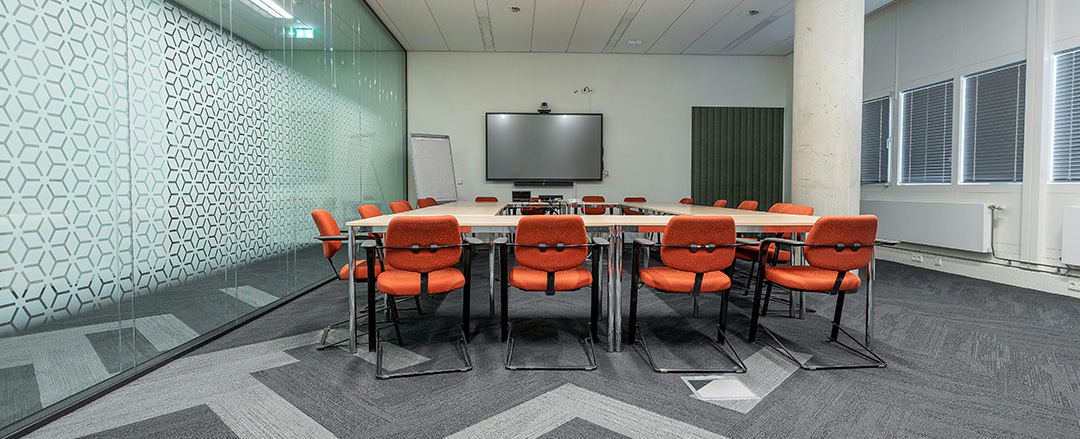
In many meeting room experience rollouts, panels with similar size and 4K/8K specs feel interchangeable once deployed. Procurement teams compare line items, not outcomes, so differentiation collapses into price. The practical move is to reframe the offer around collaboration UX—what users can do in ideation sessions, how content sharing works, and how meeting notes capture and session export fit existing habits. In other words, you protect margin by selling the experience people actually use, not the pixels they rarely think about.
Unlocking the full potential of interactive flat panel displays (IFPDs) in meeting rooms
Interactive flat panel displays (IFPDs) are powerful collaboration tools that can significantly enhance meeting experiences when fully leveraged. In unified communications environments where speed and simplicity are essential, usage patterns often prioritize familiar workflows such as “screen + HDMI.” This is less about the technology itself and more about user habits, onboarding, and confidence in using advanced features in real-time settings. Integrators have a key role in maximizing value by emphasizing intuitive, walk-up usability, seamless interaction, and clear onboarding experiences. When users feel comfortable and supported, IFPDs can move beyond basic display functions to enable richer collaboration, interactivity, and productivity. Simply put: when the room feels intuitive and efficient, teams are far more likely to engage with the full capabilities of the technology.
Why users avoid touchscreens in conference rooms (and how to fix it)
Avoidance typically comes from friction and social hesitation: touch can feel performative, uncertain, or inconsistent across multi-vendor environments. If the room workflow requires extra clicks, logins, or mode changes, people default to laptops or paper. Designing low-friction workflows that enable in-room participation and remote participant inclusion reduces intimidation barriers and improves inclusive collaboration—especially for accessibility in meeting rooms where “simple and obvious” beats “powerful but hidden.” The goal is to make participation feel effortless, not like a live demo.
How procurement-driven room standardization changes AV integration
Room standardization is now a procurement and IT mandate: predictable deployments across sites reduce tickets, speed rollouts, and simplify lifecycle management. With AV-over-IP ecosystems, cloud-managed AV, and collaboration peripherals sourced from multiple brands, integrators win by packaging a consistent interaction layer, not by swapping panels each refresh cycle. Standardization also creates room utilization insights and analytics that help prove value beyond hardware. The takeaway is straightforward: consistency across rooms is the new “premium feature.”

Hybrid Collaboration Requirements: What Clients Expect in 2026+
How hybrid work changes meeting room design and behavior
Hybrid work is no longer the exception; it changes how people behave in every space, from huddle rooms to boardrooms. Recent data reinforces why rooms must support hybrid work/learning at scale: Flex Index — Hybrid Work Statistics. For integrators, the key is making capture and shareability default: brainstorming capture must be legible for remote attendees, and outputs must persist after the meeting. If the room can’t create a usable artifact, hybrid attendees leave with less value than in-room participants.
Video conferencing compatibility: what “works everywhere” really means
Cross-platform compatibility with leading video conferencing solutions is no longer a nice-to-have; it directly influences user trust in the meeting room. When meeting workflows align with the tools people use daily, adoption increases and support requirements decrease. BYOM Technology for Plug-and-Play Conference Rooms approaches can be an effective way to enable plug-and-play, multi-platform experiences. The objective is to remove any uncertainty around “which cable, which mode, or which system,” ensuring the room feels intuitive, flexible, and universally accessible.
Why real-time annotation matters for hybrid meetings (and what “good” looks like)
Real-time annotation matters because it converts spoken discussion into shared artifacts. In hybrid settings, it must be immediate, readable on camera, and easy to export into downstream tools. This is where integrators can create measurable outcomes: faster alignment, fewer follow-up meetings, and better continuity via session export. Research helps explain why ink must feel natural, not forced: Microsoft Research (CHI 2017) — Everyday Pen Use and Digital Ink. If annotation feels awkward, people stop using it—and the room stops producing outcomes.
What “frictionless collaboration” means for integrators (a practical checklist)
Frictionless collaboration minimizes setup steps and cognitive load: instant start, intuitive controls, reliable output, and no ritualized calibration. For integrators, the practical method is to audit each room journey—from wake-up to share, annotate, and save—then remove the “extra click” points that break user adoption. Equity also matters: hybrid meeting success depends on interaction design, not technology alone, as shown in Gensler — Equity through Design: How to Improve Hybrid Meetings. The guiding principle is simple: the room should help everyone contribute at the same pace, regardless of location.

Alternatives to Touchscreens: Marker-Based Interactivity and Smart Writing Surfaces
Why analog + digital whiteboarding still wins for ideation
Teams still think best with quick sketches, diagrams, and handwritten keywords. The cognitive benefits of handwriting and memory help explain why analog input is hard to replace: National Geographic — The Benefits of Handwriting. Marker-based workflows preserve spontaneity while enabling digital continuity, turning a familiar habit into shareable, searchable artifacts for remote participant inclusion and post-meeting follow-up. The real advantage is participation: more people will write when it feels normal, not technical.
What smart writing surfaces are
Smart writing surfaces deliver interactive whiteboarding without touch: natural writing with sensor-enabled surfaces and capture hardware that can feed unified communications rooms. For integrators, this expands modular room design options—because not every space needs a large touchscreen, but many spaces need reliable brainstorming capture. In flexible workspaces, writable surfaces can be deployed in collaboration zones where people stand, iterate, and contribute without “taking the floor” at a panel. The key idea: matching the input method to the social dynamics of the space improves real utilization.
How marker-based input works for digital ink capture
Marker-based inputs rely on sensing and interpretation rather than touch, using smart marker technology to capture strokes and translate them into digital ink streams. The value is approachability: users already understand markers, so adoption improves with minimal change management. When integrated into content sharing and meeting notes capture workflows, it supports inclusive collaboration while avoiding the intimidation that sometimes blocks touchscreen interaction. In practical terms, you’re removing the “stage fright” that prevents people from interacting with the front-of-room tech.
Why plug-and-play interactivity matters for multi-site rollouts
Plug-and-play interactivity improves operational efficiency: fewer installation steps, less configuration drift, and faster deployment across sites. In a fragmented market, repeatable kits reduce integration complexity and help standardize room behavior. The result is lower support burden, better lifecycle management, and easier scaling across education, healthcare, and government—sectors that drive a large share of installations. The measurable win is consistency: fewer exceptions means fewer tickets and faster user confidence.

Integration Value Beyond Hardware: Workflow Design, Interoperability, and Lifecycle
How to create a consistent room UX with a control layer users trust
Users judge a room by consistency: does it behave the same way everywhere, regardless of display brand? A coherent control layer and UX consistency reduce confusion across huddle spaces and larger unified communications rooms. Integrators can define repeatable interaction patterns for share, annotate, save, and export—then document them as standards, not tribal knowledge. The bottom line is that consistency is what makes a room feel “easy,” even when the underlying stack is complex.
Interoperability across AV brands: how to reduce failures in mixed environments
Device interoperability is a persistent pain point, especially in multi-vendor environments. Designing for open compatibility—across displays, cameras (including HD and AI), compute endpoints, and control systems—keeps rooms stable over time. As cloud-managed AV and IoT-connected building systems expand, integrators who standardize integration points can reduce friction and protect long-term reliability. Said plainly: interoperability is the difference between a room that’s “installed” and a room that’s “dependable.”
Do Pro AV integrators need new skills to stay competitive?
Yes: the market is shifting from hardware installs toward experience design and lifecycle planning. Integrators increasingly need collaboration UX capability—mapping user journeys, planning adoption, and deploying room analytics to validate improvements. With skills shortages impacting delivery and AI-driven AV features expanding automation and utilization insights, upskilling is how you stay relevant in competitive bids. The idea is to become accountable for outcomes, not just commissioning checklists.
Lifecycle planning: how to reduce obsolescence and avoid rip-and-replace
Obsolescence is accelerating: many systems feel outdated within a few years, while budgets remain constrained. A modular approach—augmentation layers, interoperable peripherals, and upgradeable interaction surfaces—avoids rip-and-replace cycles. For integrators, lifecycle management becomes a value proposition: protect investment, reduce total cost of ownership, and keep room standardization intact as UC tools evolve. The explicit promise is continuity: the room stays familiar for users even as components change underneath.
What to Sell Instead of “Just a Display”: Packaging Offers That Protect Margin
How to augment existing IFPDs instead of replacing them
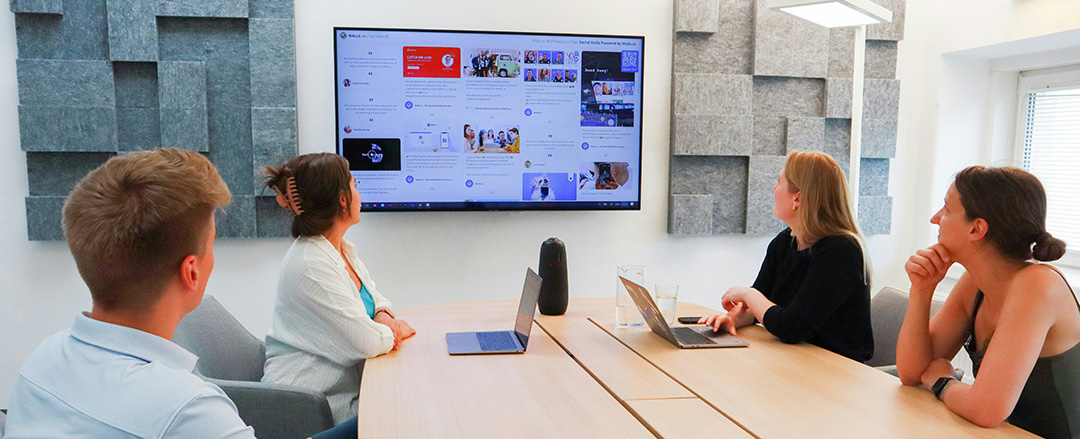
Many clients already own IFPDs; the gap is interaction and adoption, not a lack of pixels. IFPD augmentation solutions add a low-friction layer—marker-based capture, BYOM flows, or smart writing surfaces—without reopening procurement. Integrators can position this as a faster path to measurable outcomes, especially when budgets are tight and standardization matters. This is the most practical way to create value quickly: upgrade the experience without swapping the screen.
Lower-cost, higher-margin AV add-ons that improve collaboration outcomes
Outcome-based bundles can be lower-cost add-ons with healthier margins than display-only deals. Examples include collaboration peripherals, writing capture hardware, cloud-managed services, and packaged training that reduces adoption time. This aligns with an integration market expanding around digital workplaces and smart buildings while facing budget pressure and competition. The explicit strategy is to sell what changes behavior—because behavior change is what clients actually notice.
Where to deploy smart writing surfaces (best spaces and use cases)
Deploy smart surfaces where the space intent is ideation and speed: project rooms, agile bays, training spaces, and flexible workspaces where people stand and sketch. Use touchscreens where direct manipulation is essential, but use writable zones where participation should be low-pressure and frequent. Mapping tools to space purpose improves inclusive collaboration, reduces change management effort, and increases real utilization. The core idea is fit-for-purpose design: the right tool in the right room beats “one standard display everywhere.”
Conclusion: From Hardware Delivery to Collaboration Outcomes
The Pro AV and IT integration landscape is no longer defined by screens, specs, or one-time deployments. It is defined by the ability to deliver consistent, intuitive, and outcome-driven collaboration experiences across spaces and use cases.
Integrators who remain focused on hardware risk commoditization, while those who design for workflows, adoption, and lifecycle create lasting differentiation. The future belongs to solutions that reduce friction, increase participation, and produce usable outputs from every session—whether through IFPD optimization, marker-based interactivity, or augmentation layers like AMI.
The strategic shift is clear: stop selling what’s installed, and start selling what actually gets used.
Bridging the Gap with AMI (Advanced Magnetic Interaction)
Advanced Magnetic Interaction (AMI) fits directly into the shift from hardware-centric integration to workflow-driven collaboration experiences. Rather than replacing existing displays, AMI introduces a low-friction interaction layer that enhances how people engage with content in the room. By enabling natural, marker-based input on standard whiteboards or surfaces, AMI aligns with familiar user behaviors while ensuring that every interaction can be captured, digitized, and shared in real time.
For integrators, this creates a practical bridge between analog ideation and digital collaboration outcomes. It reduces adoption barriers, minimizes change management, and integrates seamlessly into hybrid workflows where capture, continuity, and accessibility are critical. In essence, AMI operationalizes what this article advocates: making collaboration intuitive first—then digital by default.

FAQ: Hybrid Collaboration and AV Integration
What is the best alternative to an interactive flat panel for meeting rooms?
For ideation-heavy rooms, smart writing surfaces and marker-based capture can be a better alternative because they feel natural and remove touchscreen hesitation. They also create shareable digital artifacts without asking users to learn a new interface.
How do you improve IFPD adoption without replacing the display?
Improve the workflow: reduce steps to start, share, annotate, and save, and standardize that flow across rooms. Then add lightweight onboarding so users feel safe using the features in front of others.
What does frictionless collaboration mean in a Teams or Zoom room?
It means users can walk in and reliably start the meeting, share content, and capture outcomes with minimal clicks or mode changes. It also means remote participants can see and contribute to what’s happening in-room in real time.
Why do hybrid meetings fail even with good AV equipment?
Hybrid meetings fail when the room doesn’t produce clear, persistent outputs—remote attendees lose context and momentum. The issue is usually interaction design and process, not camera resolution or display size.
What should Pro AV integrators sell besides screens to stay competitive?
Sell consistency, outcomes, and lifecycle: standardized UX, interoperability design, analytics, and adoption support. These services protect margin and directly reduce client pain in multi-site environments.