
The Collaboration Gap: Why Hybrid Meetings Still Fall Short
- November 18, 2025
As hybrid work becomes the norm, one challenge persists: meetings remain unequal and poorly suited to spontaneous collaboration. The core issue? Aligning physical and digital space without overcomplicating the user experience. This article explores key levers to bridge the collaboration gap and unlock the true potential of hybrid teams—drawing on insights from the Gensler report “Equity Through Design” and recent workplace studies.
Uneven Playing Fields: Inequities in Hybrid Experiences

Fragmented Access to Information
Remote attendees frequently feel disconnected from in-person visual cues and shared materials. The concept of meeting equity refers to equal access to information, dialogue, and participation. To enhance meeting equity, technologies that digitize physical whiteboard content in real-time are essential. As recommended by Gensler, utilizing multi-camera setups and synchronized displays improves spatial continuity and shared context.
Recent data confirm this perception gap: according to the Harvard Business Review, organizations forcing full office returns often cite “lower worker performance” and “weaker culture cohesion” in hybrid or remote setups, illustrating that hybrid still isn’t working smoothly (Harvard Business Review, 2025).
Tools Poorly Utilized Due to Low Adoption
Interactive collaboration devices are often installed but rarely used. Complexity and steep learning curves prevent natural adoption. Digital tools that mimic analog behavior (e.g., writing with a physical marker) while seamlessly capturing content reduce user resistance. According to Gensler’s “plug-and-play” principle, USB-C or wireless setups ensure broader participation and lower barriers to entry.
The Steelcase Global Report reinforces this: while 45% prefer working from home, only 21% actually prefer it—showing a clear usability and engagement challenge for hybrid tools (Steelcase, 2022).
Visual Collaboration Remains Isolated
Visual thinking is often limited to those physically present. Co-creation sessions, which Gensler identifies as a distinct hybrid meeting type, require high levels of synchronous visual input. Creating an uninterrupted visual workspace reinforces collective intelligence.
Lack of Post-Meeting Continuity
Once meetings end, much work is lost due to the absence of automatic capture. Gensler emphasizes turning collaboration moments into sustainable knowledge repositories. Integrations with Zoom or Microsoft Teams allow session highlights to be saved instantly. Frictionless digital capture ensures knowledge resilience and continuous progress.
When Technology Becomes a Barrier

Powerful Solutions Deserve a Seamless Experience
The most effective solutions are those that minimize friction—instant startup, wireless connectivity, and natural interaction. As demonstrated at Gensler’s Austin prototype site, intuitive, ready-to-use technology significantly increases engagement across meeting formats.
This aligns with McKinsey’s “State of Organizations” report (2023), which highlights that leading companies achieve better outcomes by simplifying their digital ecosystems to enhance agility and operational efficiency. (McKinsey & Company, 2023).
Technology Replaces Rather Than Compliments Human Behavior
Too often, digital systems aim to replace traditional behaviors instead of enhancing them. The analog-to-digital approach values natural interaction and automatic conversion of physical data into digital formats. Equity improves when tools adjust to humans—not the other way around.
Rigid, Inflexible Solutions
Some platforms require strict configurations or rely on private cloud environments. Mobile and interoperable tools that synchronize autonomously help prevent technological friction and support rapid deployment across environments.
Heavy Dependence on IT Support
Users often struggle with tech-heavy solutions unless they have dedicated IT teams. A truly user-friendly hybrid system should work without requiring constant technical intervention. Auto-recognition, QR-code activation, and invisible tech remove access barriers for all employees—especially in spaces with limited IT staffing.
Brainstorming Still Leaves People Behind
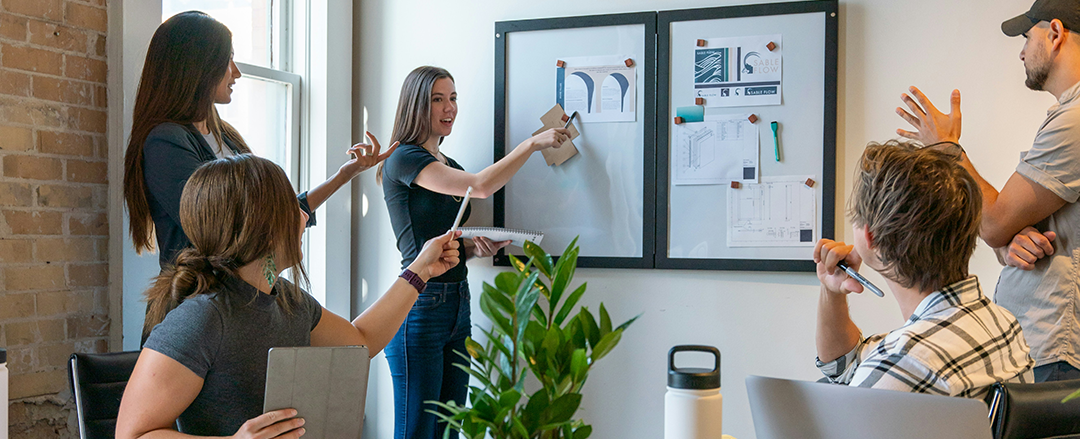
Ideas Emerge—but Only for Those in the Room
Remote participants often struggle to follow physical whiteboards during in-person brainstorms. Intelligent cameras and real-time digital capture ensure that everyone can engage. The goal: every participant should contribute, not observe passively.
After all, collaboration starts with visibility—being able to see both people and ideas clearly is essential to shared understanding and creativity. This reflects the broader hybrid challenge observed by ALE (Alcatel-Lucent Enterprise), where 82% of employees use video for most meetings—a clear sign that visual connection and digital inclusivity are now fundamental to effective teamwork. (ALE, 2022).
Poor Compatibility with Video Conferencing Tools
Many current solutions fail to integrate effectively with Zoom or Microsoft Teams. Gensler stresses seamless platform alignment as essential for workflow continuity. Choosing tools that embed into day-to-day work ecosystems minimizes disruptions and promotes natural collaboration habits.
Spontaneity Is Still Being Sacrificed
Creativity often strikes without warning. Capturing spontaneous insights requires always-on, background-connected tools—ready when inspiration hits. Embedded meeting-toom tools that digitize ideas automatically enable spontaneous creativity-driving innovation that can’t be scheduled.
Innovation Culture Still Stifled
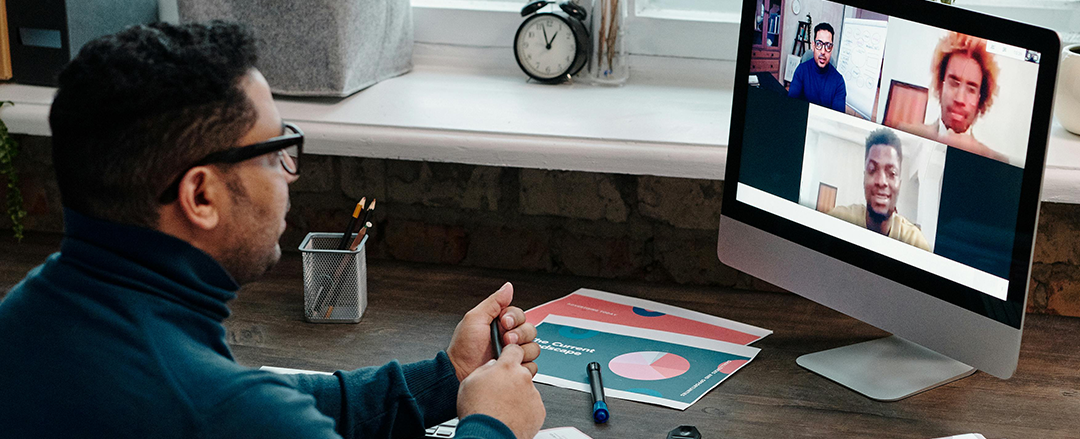
Innovation Dies When the Board Gets Erased
Ideas born during a session are lost if they’re not captured. Ongoing innovation depends on documented visual thinking. Consistent capture and replay of team discussions extend the creative lifecycle and accelerate projects.
Tools Inhibit Rather Than Inspire Creativity
When tools become too complex, creativity suffers. Interfaces that interrupt flow instead of enhancing it act as barriers. Ambient technology—quiet, invisible, effective—supports ideation without distraction. As Gensler’s models show, simplicity is a stronger creative ally than feature overload.
The Steelcase report found that employees who enjoy their office environment show +33% higher engagement and stronger cultural connection—a reminder that design simplicity can directly amplify creative energy (Steelcase, 2022).
Innovation Confined to Isolated Teams
Often, only managers or R&D departments are given access to high-end tools. Innovative culture thrives when systems are democratized. Solutions that require no training, approval, or login help empower everyone equally—essential for organization-wide progress.
Standardizing Without Sacrificing Flexibility
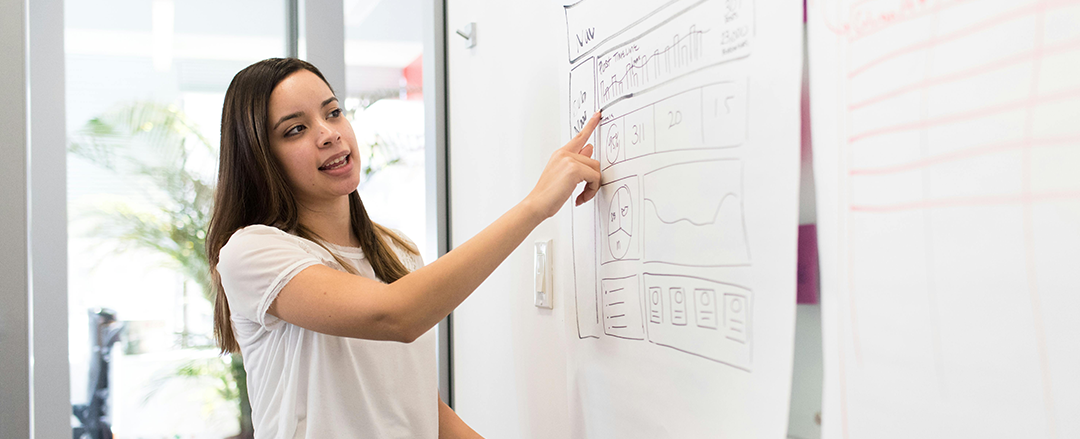
Uneven Experience Between Locations
One office might be state-of-the-art; another outdated. A smart standardization strategy levels the playing field without restricting user freedom. Universal, non-invasive tools unify spaces while adapting to local conditions. Everyone gains the same capacity to contribute—wherever they are.
As McKinsey highlights, only 50% of organizations feel prepared to respond to external shocks, underlining the strategic need for adaptable, standardized systems that can scale efficiently (McKinsey & Company, 2023).
Fixed Layouts Undermine Collaboration
Rigid meeting rooms hinder dynamic interaction. Agile design principles recommend modular setups and wireless devices that adapt to user needs. Gensler prefers curvilinear table design for better visibility and engagement across seating arrangements.
Training Requirements Slow Implementation
Complex systems that demand formal training delay rollout and adoption. Replicating human behavior—draw, write, erase—in the tech tooling itself accelerates onboarding. Natural UX speeds up productivity and makes the transformation effort scalable across departments.
Hidden Costs Undermine ROI
Hyperconnected systems often demand significant cable work, maintenance, and updates. Eliminating unnecessary hardware reduces both IT dependency and long-term cost. Lightweight, smart tools with minimal upkeep offer better returns and promote sustainable innovation workflows.
Bridging the Gap with AMI
At AMI (Advanced Magnetic Interaction), we believe that technology should disappear into the background—empowering users without disrupting their flow. That’s why our solutions are designed to digitize analog collaboration surfaces effortlessly, turning any surface into a connected workspace.
By embracing natural gestures like writing or sketching and making them instantly visible to remote participants, AMI helps bridge the very gap this article outlines. Whether you’re brainstorming with a marker or capturing ideas on the fly, AMI’s plug-and-play tools keep teams aligned—without the friction. In a hybrid world, simplicity, spontaneity, and inclusion aren’t nice-to-haves—they’re essential.
Conclusion
From user inequality and tech overload to lost spontaneity, hybrid meetings often struggle to support true collaboration. But six key strategies—from inclusive design and ergonomic configuration to seamless behavior-tech integration—point to a better path forward. As the Harvard Business Review notes, “hybrid still isn’t working” largely because organizations haven’t yet solved the social and experiential imbalances of distributed work (Harvard Business Review, 2025). However, research from Steelcase, McKinsey, and ALE all converge on one point: hybrid work is here to stay, and equity-driven design—both spatial and digital—is the key to unlocking its full promise.
Frequently Asked Questions (FAQ)
What exactly is the “collaboration gap” in hybrid meetings?
The collaboration gap refers to the persistent disconnect between in-room and remote participants during hybrid meetings. It includes unequal access to visual content, inconsistent engagement, and a lack of spontaneous co-creation—issues that prevent teams from collaborating on equal footing.
Why do hybrid meetings often feel less effective than in-person ones?
Hybrid meetings combine physical and digital spaces, but the tools that connect them are not always intuitive. According to Harvard Business Review (2025), many organizations struggle with lower performance and weaker culture cohesion in hybrid setups because employees lack shared context and natural interaction cues.
How can organizations make hybrid meetings more inclusive?
Inclusion starts with visibility and access. Tools that digitize physical whiteboards in real time, use multiple cameras, or integrate seamlessly with video platforms like Microsoft Teams and Zoom allow everyone to see, hear, and contribute equally. Research by Gensler and Steelcase shows that visual inclusivity directly improves engagement and collaboration outcomes.
What role do Interactive Flat Panel Displays (IFPDs) play in hybrid collaboration?
IFPDs are a cornerstone of modern meeting rooms. When paired with simplified, plug-and-play solutions, they make hybrid collaboration effortless—supporting natural gestures, wireless connectivity, and real-time content sharing. As seen in Gensler’s Austin prototype site, intuitive technology significantly boosts participation across meeting formats.
How can companies preserve creativity in hybrid brainstorming sessions?
Creativity thrives on spontaneity. Always-on, background-connected tools that automatically digitize what’s drawn or written in a meeting room enable unstructured ideation—capturing insights the moment they appear. This approach helps avoid the “lost ideas” problem that often plagues hybrid sessions.
What’s the link between workspace design and innovation culture?
Design simplicity fuels creativity. The Steelcase Global Report (2022) found that employees who enjoy their workspace are 33% more engaged and more connected to company culture. Minimizing complexity—both in room design and technology—creates an environment where innovation can flow naturally.
How can organizations standardize hybrid collaboration across multiple sites?
Consistency matters. A smart standardization strategy involves using non-invasive, flexible tools that work in any space without extensive training or IT support. According to McKinsey (2023), companies that simplify and standardize their digital ecosystems are more agile and better equipped to respond to external changes.
How does AMI help bridge the hybrid collaboration gap?
AMI (Advanced Magnetic Interaction) develops technology that seamlessly connects analog and digital collaboration. By digitizing handwritten content in real time and sharing it instantly across meeting rooms and remote participants, AMI empowers teams to collaborate naturally—turning every wall into an interactive, inclusive workspace.