
Friction Is the Enemy: Why Simplicity Drives Adoption in Hybrid Collaboration
Grenoble - March 03, 2026
TL;DR: How to Drive Hybrid Collaboration Adoption
Adoption drops fast when the room adds steps, uncertainty, or “who knows how to run this?” moments.
The simplest experience wins because it protects attention for the conversation—not the tech.
Standardizing the join and share flow across rooms builds trust and repeatable behavior.
Plug-and-play setups reduce dependencies, support burden, and meeting-start anxiety.
Meeting equity improves when remote participants can see, hear, and contribute without extra effort.
Hybrid collaboration fails when the experience feels harder than the old way. In many workplaces, the gap between analog habits and digital expectations creates hidden friction that slowly pushes teams back to “just do it in the room.” This article explains why simplicity is the strongest adoption driver, and it breaks the topic into seven practical angles you can use to reduce barriers and improve meeting equity.
Hybrid Collaboration Adoption: Why Friction Kills Usage
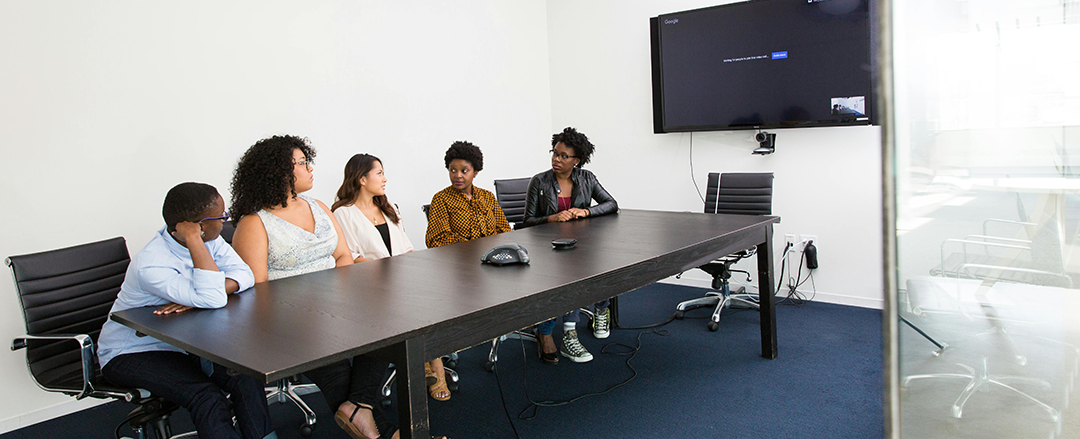
Hybrid meeting friction points: where users drop off
User adoption drops when collaboration hardware or collaboration software adds extra steps to a familiar meeting flow. Friction is any moment that slows, confuses, or interrupts collaboration: unclear prompts, too many clicks, uncertain audio/video states, or a session start that feels risky. Each pause increases cognitive load and makes people revert to side conversations, phone photos, or “we’ll share later.” Reducing touchpoints and decisions turns the meeting room UX into a frictionless workflow where participation feels effortless. The core idea is simple: if it feels slower than the old way, people won’t use it twice.
Analog-to-digital collaboration: why analog habits still win
Most teams default to what feels immediate in the room: a marker on a board, a quick sketch, or a note passed across the table. Analog-to-digital meetings work when the system preserves familiar behaviors while capturing digital value like content capture and real-time sharing. Research on everyday pen behavior shows how strongly people rely on simple affordances—pressure, stroke flow, and instant feedback—when thinking through ideas (Beyond the Pen: Understanding Digital Ink Experiences in Everyday Life). The point is to keep the “thinking speed” of analog while quietly adding the “share speed” of digital.
Simple hybrid meeting room UX: why simplicity is a product feature
Simplicity is not the absence of capability; it is the absence of effort. A simple smart workspace reduces setup time, keeps actions obvious, and delivers predictable results. In practice, that means an intuitive interface, minimal steps, and clear feedback loops that reduce meeting room friction. When the “right way” is also the easiest way, hybrid meeting design stops feeling like a change program and starts feeling like the default. The takeaway is that simplicity isn’t polish—it’s the feature that makes adoption repeatable.
Why Hybrid Meetings Feel Hard: Common Setup and Workflow Problems
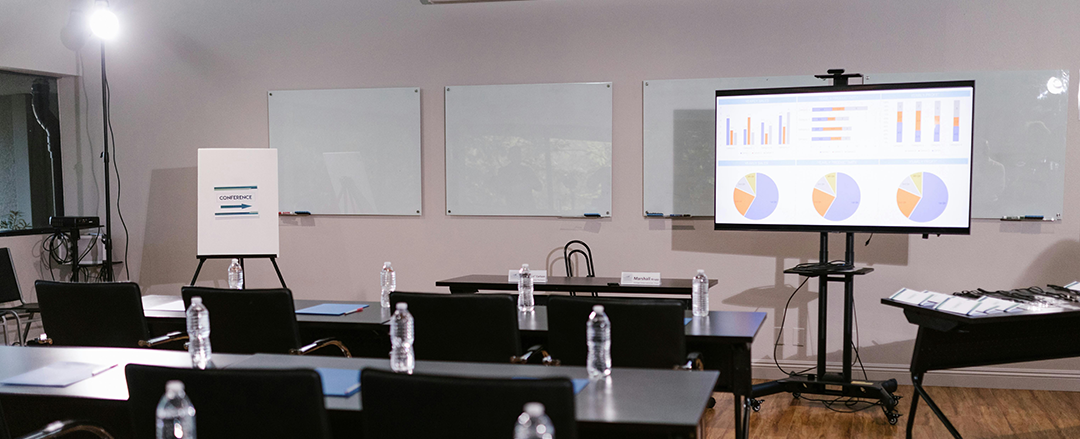
Too many collaboration tools: why there’s no meeting flow
Hybrid meetings often stack a device ecosystem of laptops, room PCs, dongles, cameras, microphones, and whiteboard capture—plus multiple apps—without a single guided meeting flow. Complexity is the accumulation of micro-decisions: which cable, which input, which window, which share mode, which platform compatibility setting. Each decision steals attention from the conversation and increases cognitive load for both in-room participant experience and remote participant experience. Designing one coherent journey—one interface, one predictable sequence—keeps the focus on collaboration and makes behavior repeatable across sessions and connected meeting spaces. In other words, your room shouldn’t require a “producer” to run a basic meeting.
Hybrid meeting setup anxiety: how reliability and trust break adoption
People hesitate when they fear the meeting will fail in front of others. That hesitation is a major blocker to hybrid collaboration adoption: even a capable system gets avoided if reliability feels uncertain. Trust is built when systems behave the same way every time, with stable interoperability and fewer hidden dependencies. Minimizing AV integration complexity, limiting what must be configured, and providing clear “ready / live / muted / shared” states reduces performance pressure. The reality is that confidence—not specs—is what gets people to press “start” in a full room.
Meeting equity in hybrid work: how it breaks quietly
Meeting equity in hybrid work fails when remote participants cannot contribute as easily as those in the room. Equity is not only about audio/video quality; it is participation parity—equal ability to see, follow, and add value, including content capture and real-time sharing. A well-designed setup reduces the distance created by the room itself: who can see the board, who hears side comments, who can jump in. Workplace research underscores that technology alone is not enough; spaces, roles, and interactions shape inclusive collaboration (Equity through Design: How to Improve Hybrid). The practical test is straightforward: if remote attendees need extra effort to participate, they’ll participate less.
Hybrid Meeting Room Design Principles That Make Adoption Easier

One-touch start for hybrid meetings: reduce the first 30 seconds of friction
The first seconds determine whether hybrid collaboration feels welcoming or risky. “One action to start” means reducing the initial commitment: a one-touch start, a single button, or one clear step that triggers the session start and makes the system’s state visible. This lowers cognitive load, shortens setup time, and prevents the familiar spiral of “wait, are we live?” A smooth start builds momentum, and momentum is a direct driver of hybrid collaboration adoption because it keeps attention on the meeting rather than the tools. The goal is to make starting a hybrid session as routine as turning on the lights.
No-training-required collaboration rooms: what “zero training by design” looks like
Training is a hidden cost that blocks scaling: it requires scheduling, documentation, and ongoing refreshers as rooms and platforms change. Zero training means the environment teaches itself through familiar patterns and obvious feedback—people can walk into connected meeting spaces and operate them without help. Labels, physical cues, and predictable behaviors create an intuitive interface that reduces errors. When learning disappears, usage becomes habitual, and user adoption becomes stable across teams with different technical confidence levels. The standard to aim for is “new hires can run it on day one.”
Standardized meeting rooms: why consistency across rooms increases usage
Users lose confidence when each room behaves differently. Consistency means room standardization: the same steps, the same integrations, and the same outcomes in every space. It also means consistent platform compatibility with Teams Rooms and Zoom Rooms, plus consistent interoperability with common peripherals. Standardized experiences reduce cognitive load, simplify IT-friendly deployment, and support scalable rollout across floors, buildings, and regions. The point is to eliminate room-by-room surprises so people stop “choosing the safe room.”
Plug-and-Play Hybrid Collaboration: Less Infrastructure, Fewer Failures
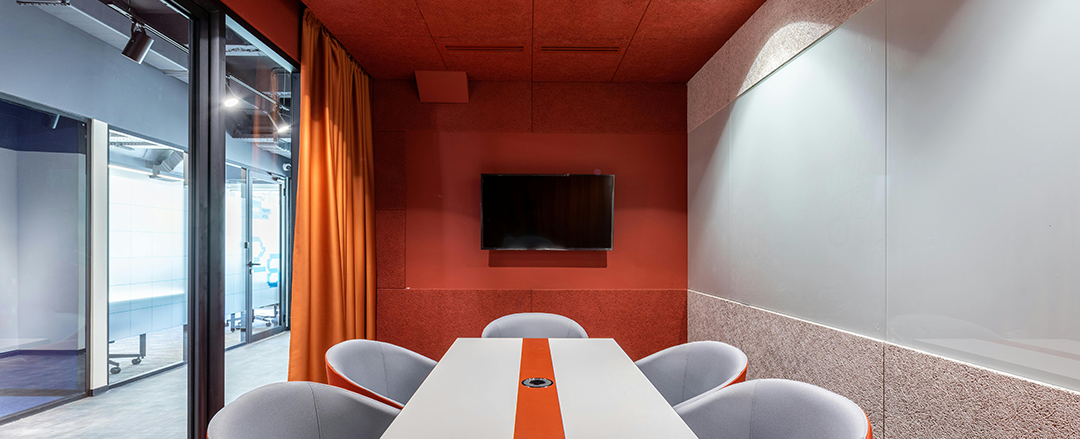
Reduce AV dependencies: why fewer moving parts mean fewer meeting failures
Complex systems fail at the seams: one driver update, one cable mismatch, one misconfigured input, or one firmware inconsistency can derail the session. Dependency reduction is the strategy of limiting what must be configured, maintained, or coordinated. Plug-and-play deployment favors low-maintenance setups that behave consistently over time, even as devices and apps evolve. The more the room can “just work,” the more hybrid collaboration adoption becomes default behavior rather than a special occasion. Put plainly: every dependency you remove is one less way to lose the room.
Premium simple meeting rooms: why “simple” looks and feels higher quality
A clean experience communicates quality and control. Premium simplicity is when technology becomes discreet while outcomes are obvious: reliable audio/video, effortless content capture, and immediate real-time sharing with remote participants. Minimal visual clutter supports design-led spaces and reduces user hesitation. In smart office tech, “simple” often signals maturity: fewer visible points of failure, clearer states, and a meeting flow that feels intentional rather than improvised. The key is that premium isn’t more buttons—it’s fewer moments that can go wrong.
Hybrid Room Rollout Strategy: Adoption-First Implementation That Sticks

Hybrid workplace rollout planning: design for real meeting behavior
Rollouts fail when they assume ideal usage instead of real habits. Adoption-first design maps how meetings actually happen: who arrives first, who shares content, how decisions are recorded, and when remote participants speak up. It respects analog-to-digital transitions, reduces cognitive load, and avoids workflows that demand constant switching between tools. The broader market reality is that hybrid is not a temporary phase; it is a durable operating model, so every meeting should be treated as potentially hybrid (Meetings In The Modern Workplace: Welcome To Hybrid Permanence). The bottom line is to design for the most common meeting, not the perfect meeting.
How to measure hybrid meeting simplicity: the KPIs that prove adoption
Simplicity must be evaluated as an experience, not a feature list. Measure whether actions are obvious, whether outcomes are reliable, and whether the flow is consistent across rooms and sessions. Track setup time, the number of steps to start, the frequency of failed joins, and whether real-time sharing and content capture happen without help. Also assess participation parity: can remote attendees contribute as easily as in-room participants? Market context matters, too—shifting policies and evolving work patterns keep pressure on workplaces to improve experiences, not just add tools (Flex Index Stats). If you can’t measure it, you can’t standardize it—and adoption won’t hold.
AMI: Removing Friction to Enable Natural Hybrid Collaboration
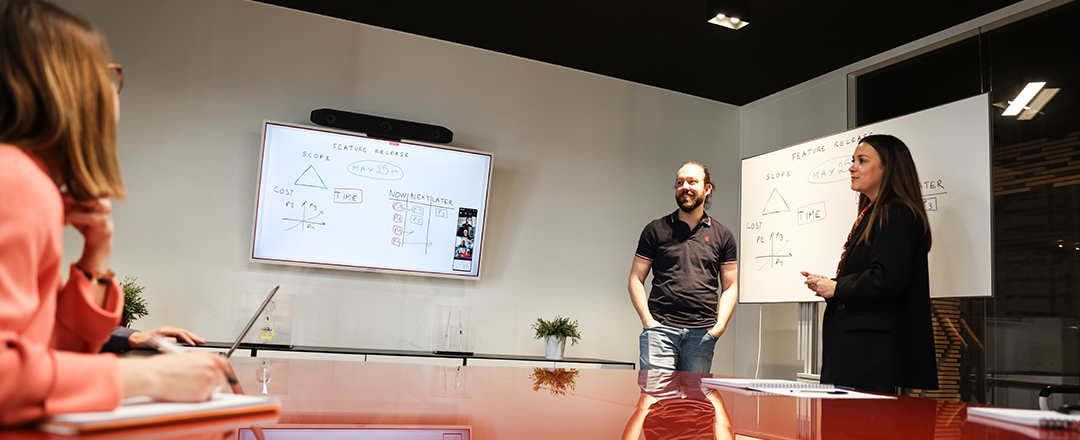
AMI (Advanced Magnetic Interaction) embodies the core message of this article: when friction disappears, adoption follows. By rethinking how users interact with collaboration surfaces and tools, AMI removes the hidden layers of complexity that typically slow hybrid meetings down. Instead of adding another interface to learn, it preserves the natural gestures, writing behaviors, and spatial habits teams already rely on—while seamlessly enabling digital capture and sharing. In doing so, AMI aligns perfectly with the principle that simplicity is not about reducing capability, but about reducing effort. It transforms hybrid collaboration from a technical setup into a natural workflow—making participation intuitive, equitable, and repeatable across every room.
Conclusion
Hybrid collaboration improves when friction is removed and simplicity becomes the standard. Across these seven angles, the focus stays on intuitive experiences, plug-and-play delivery, and meeting equity that makes participation feel fair. The promise is clear: adoption follows ease, and ease comes from designing a workflow people can repeat without thinking.
FAQ: Hybrid Collaboration Simplicity, Adoption, and Meeting Equity
What is the biggest reason hybrid collaboration tools fail to get adopted?
They introduce extra steps and uncertainty compared to how people already run meetings. When users don’t trust they can start and share quickly, they avoid the system—even if it’s powerful.
How do you reduce friction in a hybrid meeting room?
Cut the number of decisions required to begin: one clear start action, obvious system states, and a single guided flow. Standardize the experience across rooms so users don’t have to relearn the setup.
What does “meeting equity” mean in hybrid work?
Meeting equity means remote participants can see, hear, and contribute with the same ease as in-room attendees. It’s measured by participation parity, not just audio/video quality.
Is BYOM better than a dedicated room system for hybrid meetings?
BYOM can be better when it preserves familiar join workflows while still using the room’s audio, video, and sharing capabilities. The best choice is the one that reduces context switching and keeps the start process consistent.
How do you measure whether a hybrid meeting room is truly simple?
Track setup time, number of steps to start, failed join frequency, and how often content capture/sharing happens without help. If remote participants regularly struggle to follow or contribute, the system isn’t simple in the ways that matter.